Why / when to use this
Lets you remove a draft by email, or send a corrected document. It can only delete drafts. It cannot delete live or approved documents in Xero. That is absolutely blocked.
How to do it
- Reply to the confirmation with
deleteand no attachment. Leave the subject as it is (it contains a private code). - Or:
delete INV-123,delete MJ-…,delete QU-…— only if that document is still a draft. - You can also delete or correct the draft yourself in Xero if you prefer.
- To change figures on a draft: resend the file with the correction. When the invoice number, supplier and date match, the existing draft is updated in place without changing its number. If you send the same email twice while it is still a draft, she overrides the old one.
What happens next
Drafts disappear from Xero. If the document is already approved (or otherwise live), delete by email is refused. Your assistant will never remove an approved document for you.
Example
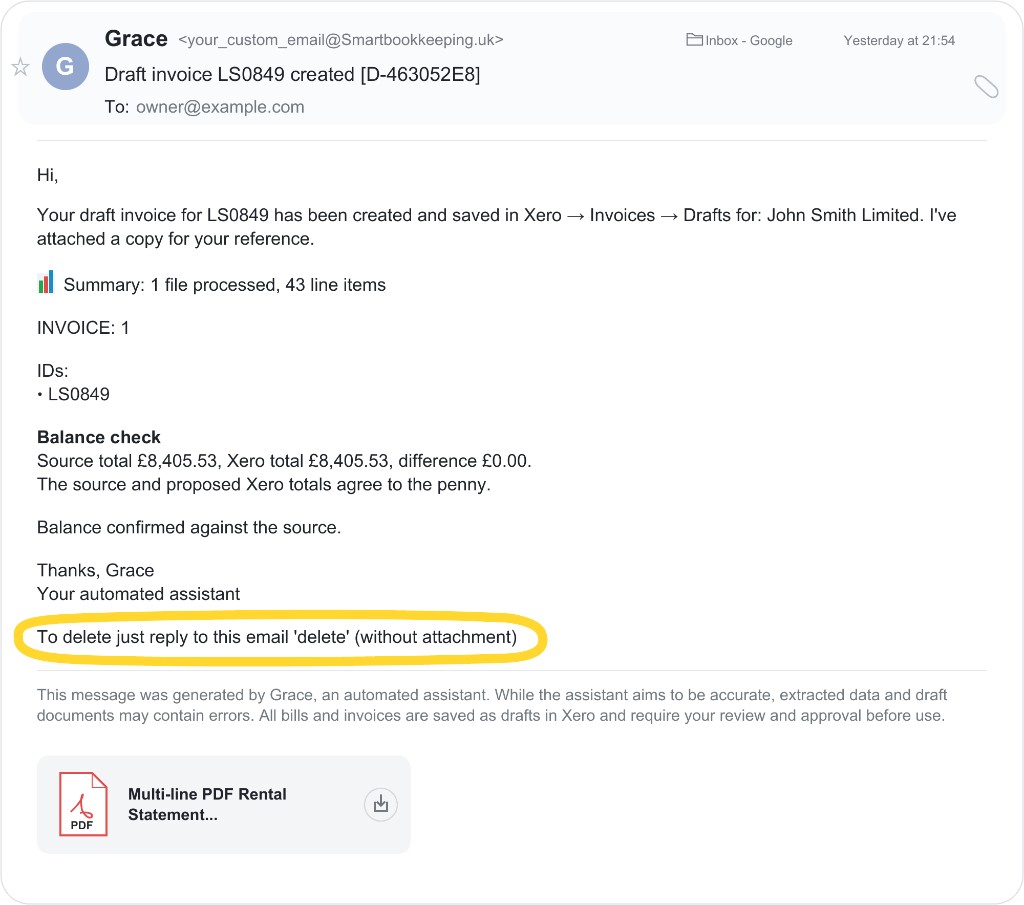
delete with no attachment to undo the draft — or delete or edit it in Xero yourself.If something goes wrong
If it is already approved, handle it yourself in Xero; your assistant will never void or overwrite it.
If Xero retains the number after you delete or void the old document, the resend is stopped and the original file is returned. Resend that file and write This is not a duplicate. Only when every old match is deleted or voided will your assistant use a safe suffix such as LS0707-1 and retain the original number in Reference. For other duplicate stops, see When processing stops.